Bulk CMS Editor
Update the same CMS field across multiple items in one action.
.webp)
Connected site: Component & Variable Deleter
Start Bulk Edit
.webp)
Select CMS Collection
Choose the CMS collection you want to update.
You can work with one collection at a time.
You can work with one collection at a time.
Select CMS Items
Select the CMS items you want to update.
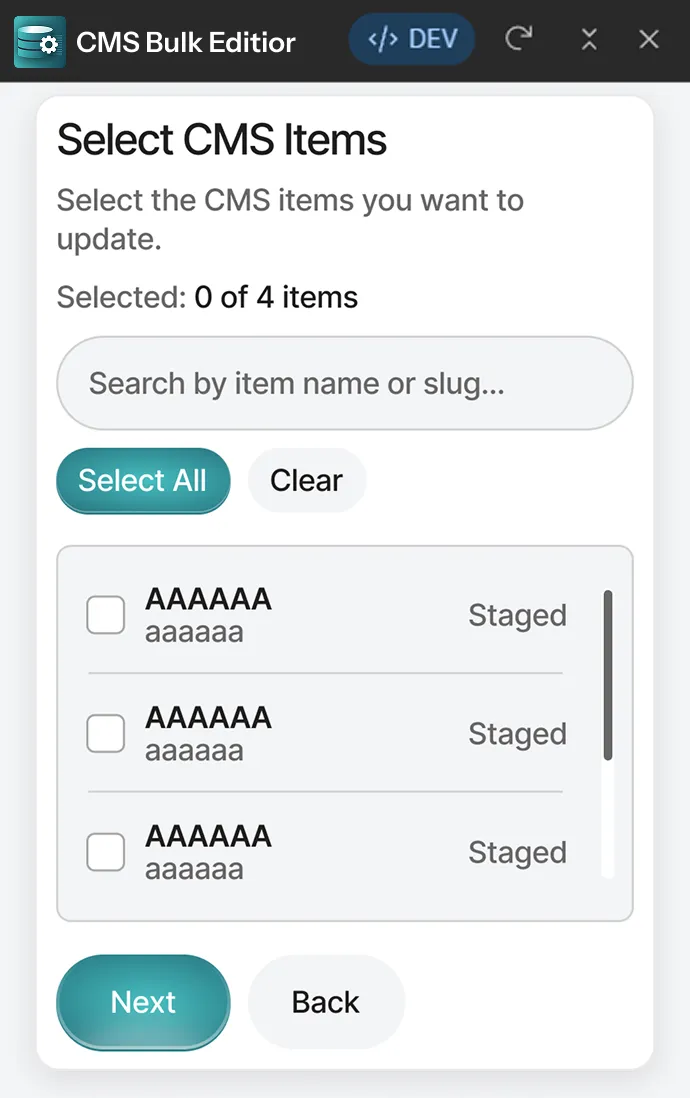
Live Count
Track selected CMS items instantly.
Bulk Actions
- Select all
- Clear Selection
- review before continuing
Set New Value
Choose the value to apply to selected items.
Switch Fields
Toggle: ON / OFF
Option Fields
Dropdown: Select an option
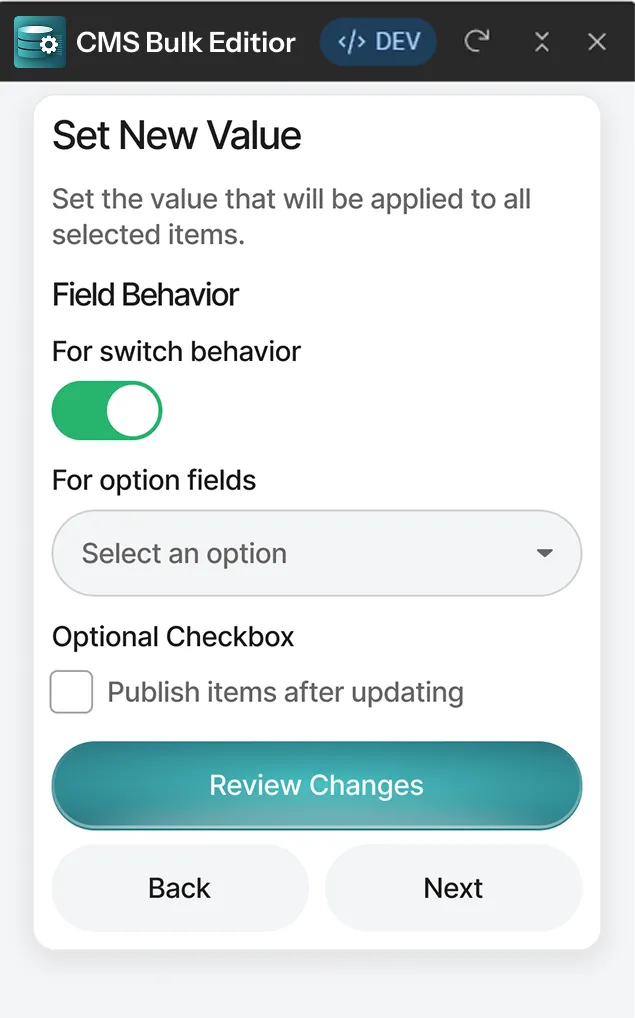
Switch Fields
Automatically publish items after updating (optional).
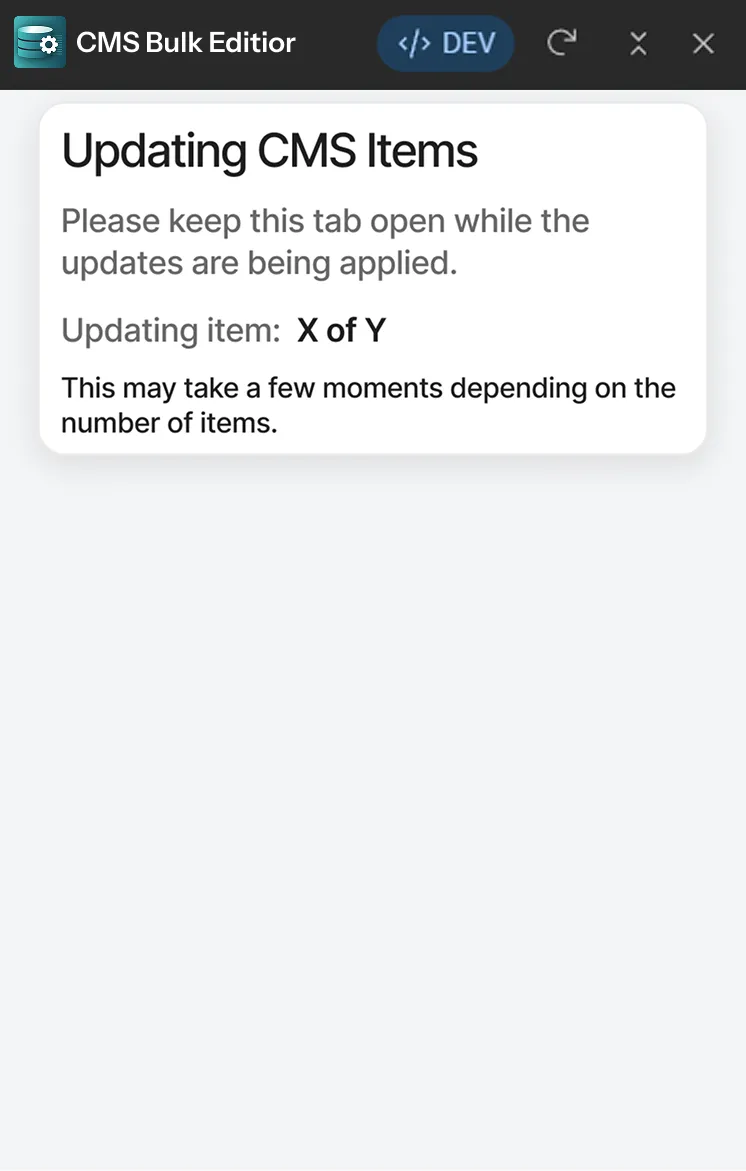
Updating CMS Items…
Please keep this tab open while the updates are being applied.
Updating item X of Y
This may take a few moments depending on the number of items.
.webp)
Update Complete 🎉
X CMS items were updated successfully.
Publishing has been queued and may take a few moments to complete.